




Discover Odoo

Odoo Hosting: Which Option Fits, and How We Set It Up

Odoo runs on Odoo Online, on Odoo.sh, on your cloud account or on a server in your building. Each trades control for convenience differently, and the wrong one shows up as a blocked custom module or a surprise bill. Here are the four compared, a decision path, and the architecture we deploy when you self-host.

  • Odoo Online
  • Odoo.sh
  • AWS / cloud
  • On-premise
  • Docker

Reviewed by Bhavesh Selarka, COO & Co-Founder, Heliconia Solutions · Odoo 16 Functional Certification · Odoo Partner · Updated

Proof

Odoo.shAWS and cloudOn-premiseCommunity + EnterpriseGit-based deployments

Clients

Businesses that run on what we built

  • Mevalon Produkte
  • TIMmunity GmbH
  • Aria Jewellers
  • Freiburger Bund
  • Jo Ann's
  • Opsio
  • LittleQ

The short answer

Where Should You Host Odoo?

Host Odoo on Odoo Online if you run standard apps with no custom code. Use Odoo.sh if you have custom modules and want Odoo to run the platform, with staging branches and backups included. Self-host on a cloud account (AWS, Hetzner, DigitalOcean) or on-premise when you need full control, run Community, or have data-residency rules. We deploy, migrate and operate all four.

The hosting choice is really a plan choice. Odoo Online is only available on the Standard and Custom plans and can't run custom modules. Odoo.sh and on-premise Enterprise need the Custom plan. Community can only be self-hosted. Decide what you'll build first and the hosting narrows itself.

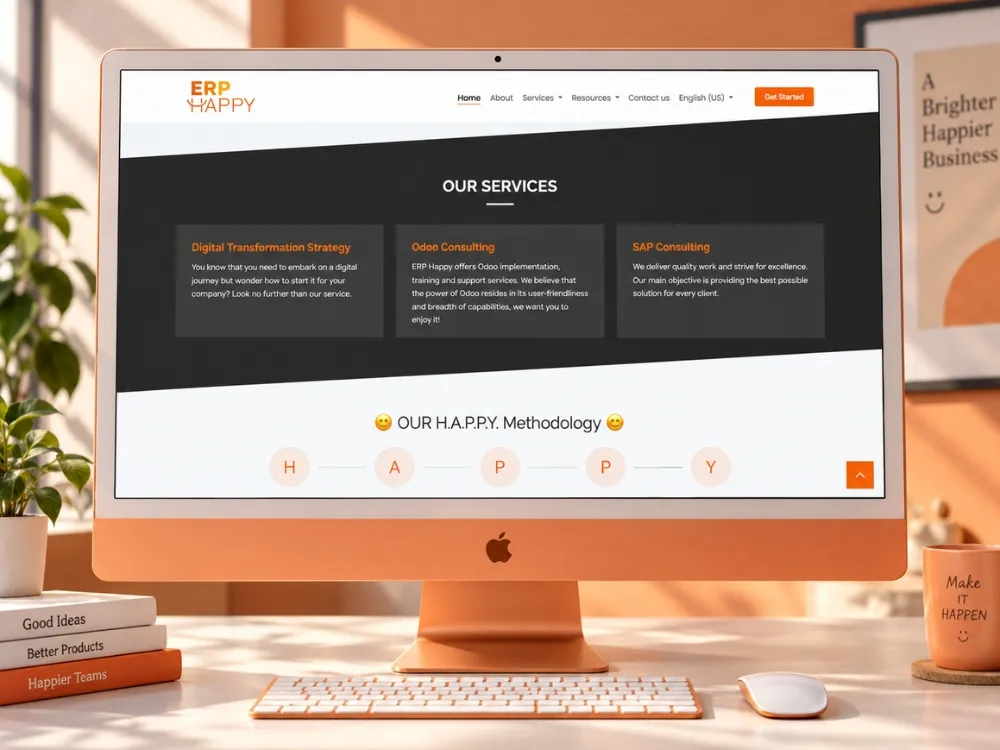
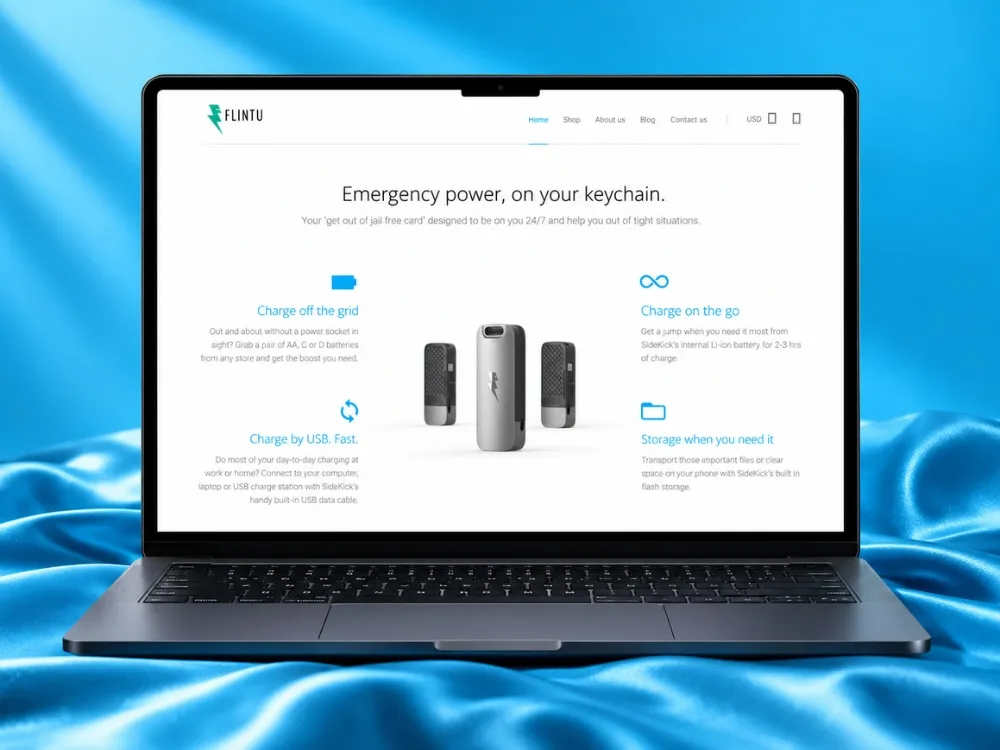
On the projects on this site we've deployed Enterprise on Odoo.sh for ERP Happy's clients, self-hosted Enterprise on AWS for Flintu, and Community on Docker with automated backups for Made It Easy. What follows is what we learned choosing and running them.

The four options

Odoo Hosting Options Compared

Everything in one table. "Custom code" means your own or OCA modules, which is the line that eliminates options fastest.

Odoo Hosting Options Compared
OptionWho runs itCustom codeEditionsCost modelBest for
Odoo Online (SaaS)Odoo S.A.NoEnterprise (Standard, Custom)Included in the subscriptionStandard apps, small teams, no IT
Odoo.sh (PaaS)Odoo S.A., you manage branchesYes, via GitEnterprise (Custom plan)Per worker, staging branch and storage, on top of the licenceCustom modules with managed infrastructure and staging
Self-hosted cloud (AWS, Hetzner, DigitalOcean)You or your partnerYes, anythingCommunity and EnterpriseCloud bill plus operations timeControl, cost at scale, Community, data residency
On-premiseYour ITYes, anythingCommunity and EnterpriseHardware, power, IT timeStrict residency, air-gapped or legacy network constraints

Odoo Online and Odoo.sh terms are Odoo S.A.'s and change: check odoo.com for current limits. The self-hosted rows are what we run.

What you get

Control, Operations and Risk by Option

Control, Operations and Risk by Option
CapabilityOdoo OnlineOdoo.shSelf-hosted cloudOn-premise
Custom and OCA modules–NoYesYesYes
Staging environment–NoYesYou build it (we do)You build it
Backups includedYesYesYour job (automated by us)Your job
Root / server access–No–NoYesYes
Choose PostgreSQL version and tuning–No–NoYesYes
Data residency you control–NoRegion choiceYesYes
Odoo Community–No–NoYesYes
UpgradesAutomaticOdoo upgrade service, partner for custom codePartner-runPartner-run
Scales past one serverManagedMore workersLoad balancer, more app servers, managed DBHardware

The two managed options remove work you'd otherwise pay a partner for. The two self-managed ones give you the environment. Most businesses with custom modules choose between Odoo.sh and self-hosted cloud.

Decision path

Which Odoo Hosting Should You Choose?

Answer in order. The first outcome that applies is the one to budget for.

  1. Question 01

    Will you run custom or OCA modules, now or within a year?

    Yes
    Skip Odoo Online. Continue to the next question.
    No
    Odoo Online on the Standard or Custom plan. Cheapest, and zero operations.
  2. Question 02

    Are you on Odoo Community?

    Yes
    Self-hosted cloud, or on-premise if residency rules require it. Community can't run on Odoo Online or Odoo.sh.
    No
    Continue to the next question
  3. Question 03

    Do you have data-residency or network rules that forbid a third-party cloud?

    Yes
    On-premise, or a cloud region you control. We set up the same architecture either way.
    No
    Continue to the next question
  4. Question 04

    Do you want Odoo to run the platform (backups, staging, monitoring) and are you fine paying per worker?

    Yes
    Odoo.sh on the Custom plan. Git-based deployments, staging branches, backups included.
    No
    Self-hosted cloud. Your account, our reference architecture, and either your team or ours running it.

Weigh these before deciding

  • Custom code
  • Edition
  • Data residency
  • Who operates it
  • Cost at your user count
  • Staging and release workflow
  • Integrations that need server access

Reference architecture

How We Deploy Self-Hosted Odoo

The layout we deployed for Flintu on AWS and use as the default for self-hosted Enterprise and Community. Separate development and production, everything in Git, nothing configured by hand twice.

  • Ubuntu LTS
  • nginx
  • PostgreSQL / RDS
  • Docker
  • Git / GitHub
  • AWS EC2
  • S3-compatible storage
How We Deploy Self-Hosted Odoo
  • Users and portals

    Browser, mobile apps and portal users over HTTPS.

  • Integrations

    Payment, shipping, marketplaces and internal systems over the API.

  • Developers

    Custom and OCA add-ons pushed through Git.

Edge

DNS, TLS and a reverse proxy (nginx) in front of Odoo, with long-polling on its own port for live chat and notifications.

Application servers

Odoo on Ubuntu LTS, workers sized to CPU and users, one or more instances behind the proxy. Community, Enterprise and custom add-ons in separate Git repositories with a deployment workflow.

Environments

Isolated development and production. Changes are validated on dev, then released to production through the same Git-based path.

Database

Managed PostgreSQL (AWS RDS on Flintu) with automated backups and point-in-time recovery, or a tuned self-managed instance.

Files and backups

Filestore on the server or object storage (S3-compatible), scheduled database and filestore backups, and a restore that is actually tested.

How it goes

Setting Up Odoo Hosting With Us

  1. Assessment

    Edition, plan, custom modules, users, data volume, integrations, residency rules and who will operate it. Output: the option, the sizing and the monthly shape.

  2. Provisioning

    Cloud account or Odoo.sh project, DNS and TLS, servers or workers, database, storage, environments. Documented as we go (Flintu got a full installation and deployment guide).

  3. Deployment workflow

    Git repositories for Community, Enterprise and custom add-ons, a release path from development to production, and the rules for who can push where.

  4. Migration or go-live

    Move an existing database and filestore (from Odoo Online, Odoo.sh, another host or a previous version) or start clean. Cutover in an agreed window with a rollback path.

  5. Operations

    Backups verified by restore, monitoring, patching, upgrades. Run by your team with our documentation, or by us under a support retainer.

From production

What Running Odoo Has Taught Us About Hosting

  1. 01

    The cheapest hosting is the one you can leave. Flintu chose self-hosted AWS for ownership: separate environments, Git-driven releases, and documentation good enough that the client runs production without us.

  2. 02

    Odoo.sh is excellent while custom modules are small and the branch flow is respected. ERP Happy's client environments run there, and the value is in staging branches and backups you never think about.

  3. 03

    A backup nobody has restored is a hope. On Made It Easy we automated database and filestore backups as part of the Docker deployment, and a restore is the only test that counts.

  4. 04

    Long-polling, cron and email are the three things that break on a new self-hosted server. They are configuration, not code, and they are in our checklist.

  5. 05

    Moving hosting is a migration. Attachments, cron jobs, mail servers, integration endpoints and scheduled actions all point somewhere. Our migration page covers infrastructure moves for that reason.

  6. 06

    Size for peak, not average: month-end invoicing and a POS rush look nothing like a Tuesday afternoon. Workers and database memory follow the peak.

Evidence

Three Hostings, Three Real Projects

Self-hosted Enterprise on AWS, Enterprise on Odoo.sh for a partner's clients, and Community on Docker with automated backups.

All case studies

Assessment

Request an Odoo Hosting Assessment

Tell us your edition, version, user count, custom modules, integrations and any residency rules. You get the option we'd choose and why, a sizing, the monthly cost shape (yours or Odoo's, not ours), and the migration path if you're moving.

  • Hosting recommendation with reasoning
  • Sizing: workers, CPU, memory, database
  • Monthly cost shape for the option (cloud or Odoo.sh)
  • Backup, staging and release plan
  • Migration path from where you are now

Request the assessment

What clients say

In Their Words

Questions

Odoo Hosting Questions, Answered Directly

Bhavesh Selarka

COO & Co-Founder, Heliconia Solutions

Not answered here? Ask Bhavesh directly, the person who reviewed this page, not a sales queue. Odoo 16 Functional Certification.

Ask a question

What is the difference between Odoo Online and Odoo.sh?

Odoo Online is Odoo's shared SaaS: standard apps only, no custom code, hosting included in the Standard and Custom plans. Odoo.sh is Odoo's platform for custom code: your own Git repository, staging branches, backups and monitoring, charged on top of the licence by workers, staging branches and storage.

If you need a custom module, it's Odoo.sh or self-hosting.

Can Odoo Community be hosted on Odoo.sh or Odoo Online?

No. Both are Enterprise-only. Community is self-hosted: your cloud account, a VPS or on-premise, run by you or a partner. That is also why the "free licence" comes with an operations cost.

Odoo Community services

What server does Odoo need?

A Linux server (we use Ubuntu LTS) with PostgreSQL, sized to your users: workers follow CPU cores and memory, and the database gets its own instance as you grow. We size for peak load, month-end and POS rushes, not the average day.

For a team of a few dozen users, one application server and a managed database is the usual starting point.

Can you host Odoo for us?

We set up and operate Odoo on your cloud account, on Odoo.sh or on your servers under a support retainer, and we document it so your team could take over. We don't resell hosting or bundle a server into a monthly plan.

Odoo support and maintenance

Which cloud is best for Odoo?

Any provider with a Linux VM and a managed PostgreSQL option works. We've deployed on AWS (EC2 with RDS for Flintu) and use S3-compatible storage for files. The choice usually follows where your other systems, your credits or your compliance already are, not Odoo.

How do you handle backups and disaster recovery?

Scheduled database and filestore backups, kept off the application server, and a restore that is tested before go-live. On managed PostgreSQL we add point-in-time recovery. Odoo.sh and Odoo Online include their own backups.

Can we move from Odoo Online or Odoo.sh to self-hosting later, or the reverse?

Yes. It's a migration: database, filestore, attachments, cron jobs, mail servers and integration endpoints. Moving off Odoo Online also means moving to the Custom plan if you keep Enterprise. We run these as infrastructure migrations with a cutover window and a rollback.

Odoo migration services

How much does Odoo hosting cost?

Odoo Online: included in the subscription. Odoo.sh: Odoo's published per-worker, per-staging-branch and storage pricing, on top of the licence. Self-hosted: your cloud bill, usually a few servers and a managed database, plus the time to run it.

The pricing page puts hosting next to the other four cost layers.

Odoo pricing explained

Next step

Host Odoo Where It Makes Sense, Set Up by People Who Run It

Send us your edition, users and custom modules. You'll get the hosting option we'd choose, the sizing, and the plan to get there, whether that's Odoo.sh, your AWS account or a server in your building.