


Odoo customization

Customize Odoo Around the Way Your Business Works

Most ‘customizations’ are configuration: a pricelist rule, a stage, an automated action, an OCA module. We check that first. A custom module is written only when the requirement genuinely isn't covered, and either way Odoo core is never edited, so the next upgrade stays a project instead of a rewrite.

Reviewed by Atul Makwana, CEO & Co-Founder, Heliconia Solutions · Odoo 16 Functional Certification · Odoo Partner · Updated

Proof

Upgrade-safe modulesNo core modificationsOCA where it existsCommunity + EnterpriseIndustry-specific systems

Clients

Businesses that run on what we built

  • Aria Jewellers
  • Baroda Hi-Tech Alloys
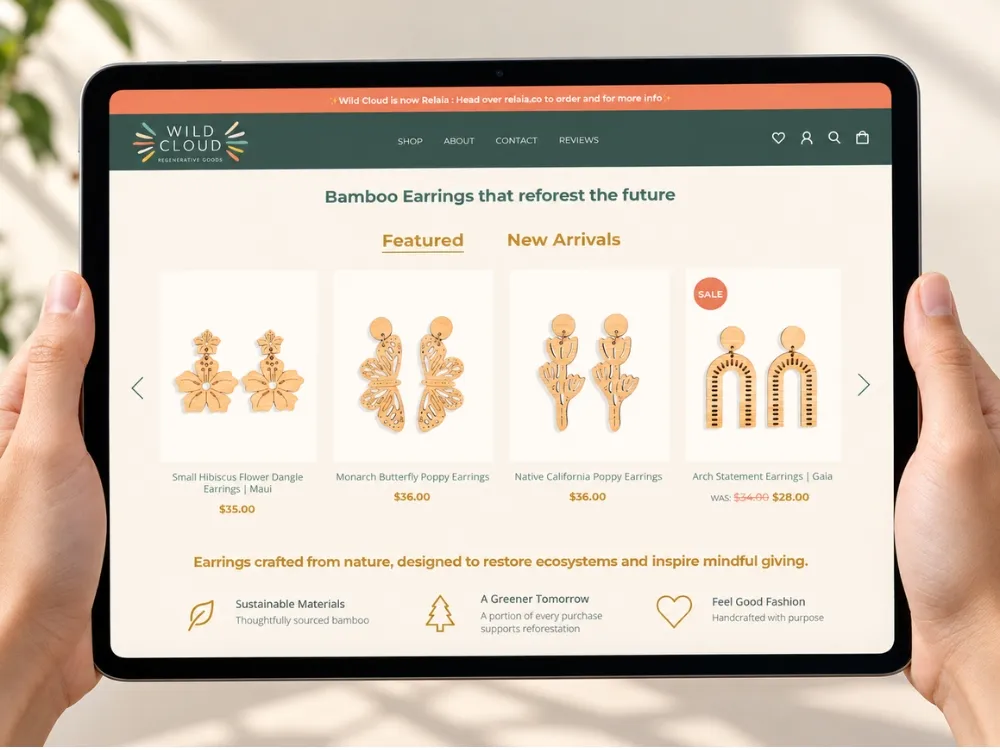
  • Wild Cloud
  • Jo Ann's
  • Mevalon Produkte
  • TIMmunity GmbH
  • Freiburger Bund

When to customize

When Should Odoo Be Customized?

Odoo should be customized when a real business requirement can't be met by standard functionality, configuration or an existing OCA module, and the requirement is worth more than the cost of maintaining custom code through future upgrades. Everything else should stay standard.

That sounds obvious, and yet most of the technical debt we inherit from other implementations comes from skipping it: a custom field where a setting existed, a rewritten workflow where an OCA module existed, and, worst of all, edits to Odoo's own code that make the next upgrade a rewrite.

We don't customize Odoo just because we can. Our first step on every requirement is to determine whether configuration, an existing module or an OCA solution solves it. Custom code is the answer when it's the only answer, and then it's built to last.

The ladder

Standard → Configuration → OCA → Custom → External

Each requirement is tested against these in order. The lower you stay, the cheaper the system is to run and upgrade.

  1. Step 01

    Standard Odoo

    Odoo already does it. Surprisingly often the answer once the requirement is stated as a business outcome instead of a feature of the old system.

  2. Step 02

    Configuration

    A setting, an automated action, a custom field, an approval rule or a report template covers it, no code, upgrade-proof.

  3. Step 03

    OCA or existing module

    A maintained community module exists. We contribute to the Odoo Community Association and check it before writing anything.

  4. Step 04

    Custom module

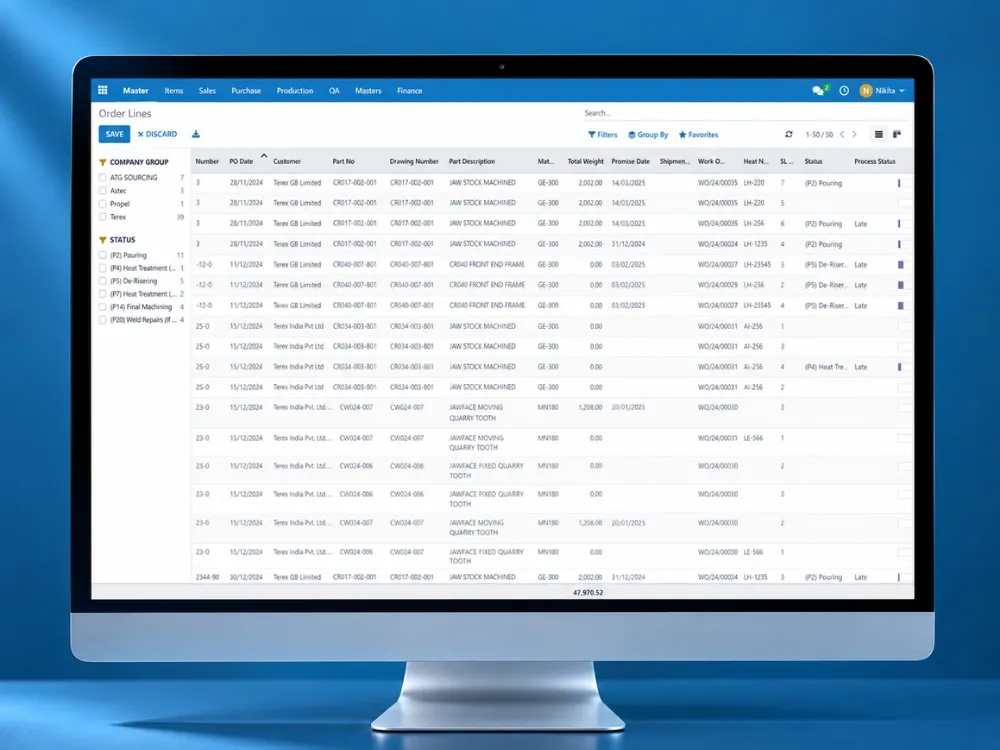
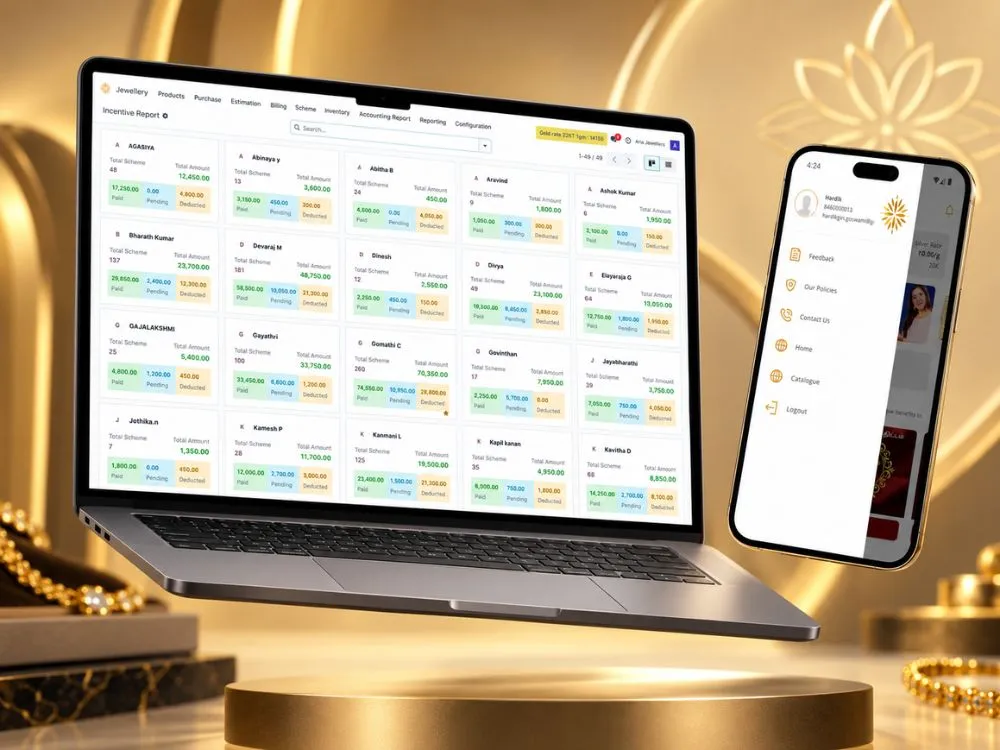
    The requirement is genuinely yours: jewellery metal rates and saving schemes, foundry heat traceability, per-island payroll. A separate addon that never touches core.

  5. Step 05

    External application

    The need isn't an ERP feature at all: a customer storefront, a supplier app, real-time chat. Build it outside Odoo and connect it through APIs.

Customization areas

What We Customize

  • Business workflows

    Sales, purchase, stock and manufacturing flows adapted to how your operation actually runs: approvals, statuses, exceptions.

  • Custom modules

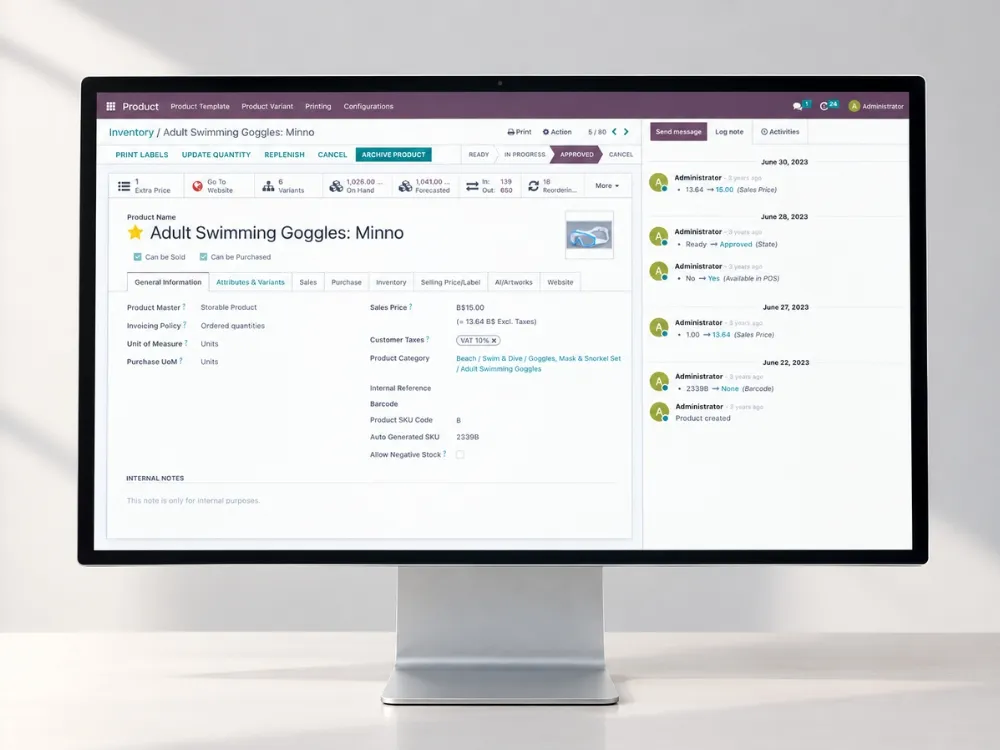
    Functionality that doesn't exist in standard Odoo, built as separate addons with their own models, views and security.

  • Reports

    Operational, financial and management reports. QWeb PDFs, Excel exports, spreadsheet dashboards, direct-to-printer labels and receipts.

  • Automation

    Recurring documents, scheduled jobs, notifications, reminders and the manual steps that should never have been manual.

  • User interface

    Views, widgets and OWL components where the standard screens slow people down: counter estimation, portal quotation edits, app locks.

  • Security

    Operating-unit and warehouse restrictions, role-based menus, IP and MAC access rules, record rules that match your organisation.

  • Portals

    Customer and supplier portals for order tracking, certificates, quotations and self-service on top of Odoo's portal framework.

Upgrade-friendly

Customize Odoo Without Making the Next Upgrade Painful

The difference between customization and technical debt is entirely in how it's built.

  • No core modifications

    Odoo core is never edited. Every change is an inheriting module, so upgrading means migrating our modules, a known task, not reconstructing patches.

  • Modular development

    One concern per module, explicit dependencies, OCA naming. A feature can be removed or replaced without unpicking the rest.

  • OCA where appropriate

    Community-maintained modules are already upgraded for each version by their maintainers. Using them is less code you own.

  • Version compatibility

    Built and tested against the target version, with migration scripts when data structures change.

  • Automated tests

    Business logic under test, so an upgrade can prove the customization still behaves before users find out.

  • Documentation

    Each module explains what it does and why it exists, so the next team, or the next version, doesn't have to guess.

Customization audit

Is Your Odoo Customization Becoming Technical Debt?

A review of an existing Odoo system's custom code, with each finding rated by upgrade risk and a recommended order of remediation.

  • Custom modules
  • Core modifications
  • Dependencies
  • Performance
  • Security rules
  • Upgrade risks
  • Unused features
  • Test coverage
  • Technical debt

Request a customization audit

Evidence

Odoo Customized for Real Operations

Industry-specific systems built as upgrade-safe modules on Community and Enterprise.

All case studies

First-party experience

What We Have Learned Customizing Odoo

  1. 01

    The most expensive customization is the one that duplicates a setting nobody checked. Configuration review comes before any estimate.

  2. 02

    Industry logic (metal purity, heat numbers, island tax rules) belongs in its own module family with a shared base, so each client's system stays readable.

  3. 03

    Reports are customized more often than workflows, and they're where "just a small change" accumulates. Templates get the same review as code.

  4. 04

    A customization audit on an inherited system almost always finds core edits. They're fixable. They're just not free, and they should be found before the upgrade is scheduled.

What clients say

In Their Words

Questions

Odoo Customization Questions, Answered

Atul Makwana

CEO & Co-Founder, Heliconia Solutions

Not answered here? Ask Atul directly, the person who reviewed this page, not a sales queue. Odoo 16 Functional Certification.

Ask a question

Can Odoo be fully customized?

Yes. Odoo is an open framework: models, views, workflows, reports, security and the interface can all be extended, and entire industry applications can be built on it.

The better question is how much should be customized. Every custom line is code you own through every future upgrade.

Should I customize Odoo or change the workflow?

Change the workflow when the standard Odoo process is at least as good as yours and the only cost is habit. Customize when your process is a genuine competitive or regulatory necessity.

We make this call requirement by requirement, with the process owner, using the configure / OCA / custom ladder above.

How much does Odoo customization cost?

It depends on the number and complexity of requirements, how many are covered by configuration or OCA modules, integration needs and the testing required. We estimate per requirement after a review.

The cheapest customization is the one you don't need. The audit often removes items from the list.

Can you customize an existing Odoo system built by someone else?

Yes. We review the existing custom code first (separation from core, upgrade risk, tests) and then extend it, refactor it or replace it where it would block the next upgrade.

Odoo support

Can customizations survive an Odoo upgrade?

Yes, when they're built as separate modules without core modifications. Upgrading then means migrating those modules to the new version, which is routine work, not rediscovering patches.

Odoo migration services

Do you develop custom Odoo modules?

Yes. Custom module development, from single features to complete industry systems with dozens of modules, is the core of our engineering work.

Odoo development

Can you audit our current customizations?

Yes. The customization audit reviews custom modules, core modifications, dependencies, performance, security and upgrade risk, and returns a ranked remediation plan.

Next step

Is Standard Odoo Holding Your Business Back?

Tell us which process doesn't fit. We'll tell you whether it's a setting, a module that already exists, or something worth building, and what each would cost you at the next upgrade.