





Automation

Automate the Work That Shouldn't Need a Human

Recurring documents, approvals, data re-keying, reminders, reports assembled by hand: the work that fills a week and adds nothing. We automate it with the right tool for each process (no-code where it fits, custom services where it doesn't, Odoo's own automation if you already run on it) and we tell you when the process should be fixed before it's automated.

  • Workflow automation
  • Zapier / iPaaS
  • Custom services
  • Scheduled jobs
  • Odoo automation
  • RPA where justified

Reviewed by Bhavesh Selarka, COO & Co-Founder, Heliconia Solutions · Odoo 16 Functional Certification · Odoo Partner · Updated

Proof

Recurring workflows automatedCertificates: hours → secondsZapier + custom + OdooPayroll and approvals automatedPartner automation in production

Clients

Businesses that run on what we built

  • Baroda Hi-Tech Alloys
  • Opsio
  • D.S. Associates
  • Avasar Agency
  • Aria Jewellers
  • Freiburger Bund
  • Jo Ann's

Before automating

A Bad Process Automated Is Still a Bad Process

Business process automation replaces manual, repetitive work (data entry, document generation, approvals, notifications, reconciliation) with software that does it reliably and on time. It's worth doing when the process is stable, frequent and rule-based. It's worth not doing when the process itself is the problem: automating a broken workflow makes it fail faster.

So we start with the process, not the tool. Which steps add judgement, and which are pure transcription? Where does the data actually live? Only then do we pick between a no-code flow, a scheduled service, an Odoo automated action or a small custom application, and sometimes the answer is to remove the step altogether.

What to automate

Is This Process Worth Automating?

Four tests. A process that passes all four pays back quickly. One that fails the first should be redesigned before anything is built.

  1. Step 01

    Is the process stable?

    If the steps change every month, automate later. Fix and freeze the process first.

  2. Step 02

    Is it frequent and rule-based?

    Daily or weekly, with rules a human could write down: invoices, reminders, approvals under a threshold, syncs. One-off or judgement-heavy work stays with people.

  3. Step 03

    Is the data accessible?

    The systems involved must expose the data: through an API, a database, a file export. If they don't, integration comes first.

  4. Step 04

    Does the saving beat the upkeep?

    Automation has to be maintained when systems change. Hours saved per month should comfortably exceed the cost of keeping it running.

Approach

No-Code, Custom, or Odoo? Matching the Tool to the Process

No-Code, Custom, or Odoo? Matching the Tool to the Process
ApproachBest forStrengthsLimits
No-code / iPaaS (Zapier and similar)Simple flows between SaaS tools, non-developers maintaining themFast to build, easy to changeVolume pricing, weak error handling, limited logic
Custom service or scriptComplex logic, high volume, legacy systems, anything that must be reliableFull control, tested, monitoredNeeds engineers to build and maintain
Odoo automationBusinesses already on Odoo: automated actions, scheduled jobs, recurring documentsInside the system of record, no sync neededOnly for processes that live in Odoo
RPA (screen automation)Systems with no API at allWorks where nothing else canFragile, last resort

Most engagements use two of these (a custom service for the core flow, no-code for the edges) chosen per process, not per project.

What we automate

Processes We Have Automated

From production systems. Each with the tool that fit.

  • Document generation

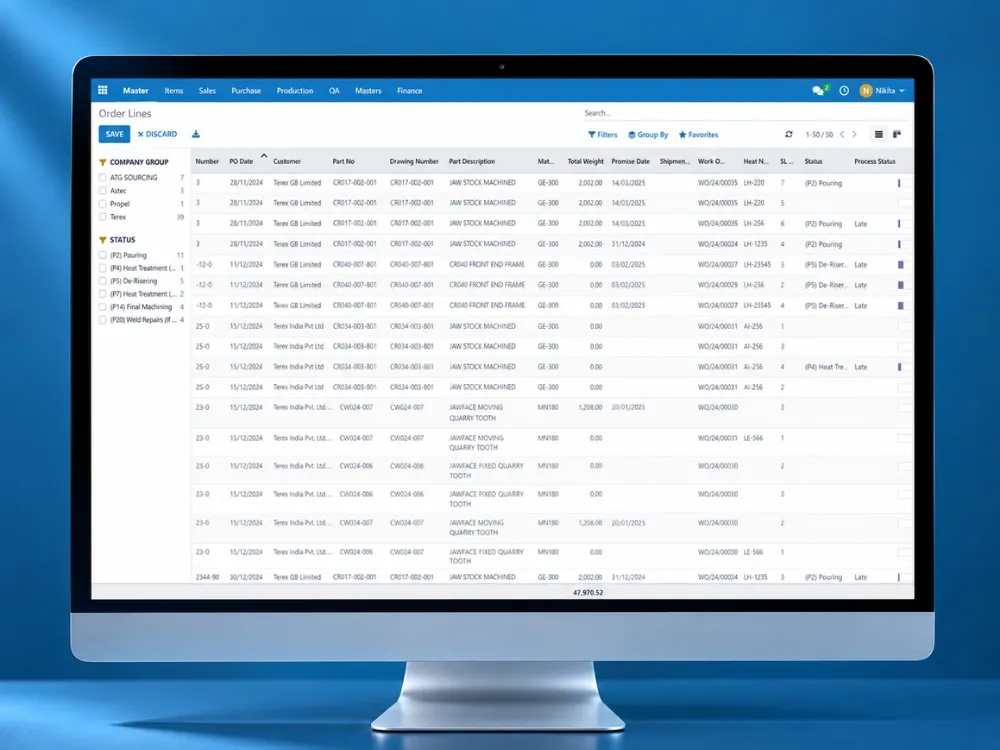
    EN 10204 material test certificates generated in seconds instead of hours at Hi-Tech Alloys. PDFs, labels and Excel exports on demand.

  • Recurring operations

    Recurring projects, purchase orders and subscription billing for a managed-services business (Opsio).

  • Payroll and HR

    Payroll calculation and overtime. Four island-specific payroll engines at Jo Ann's.

  • Sales and CRM flows

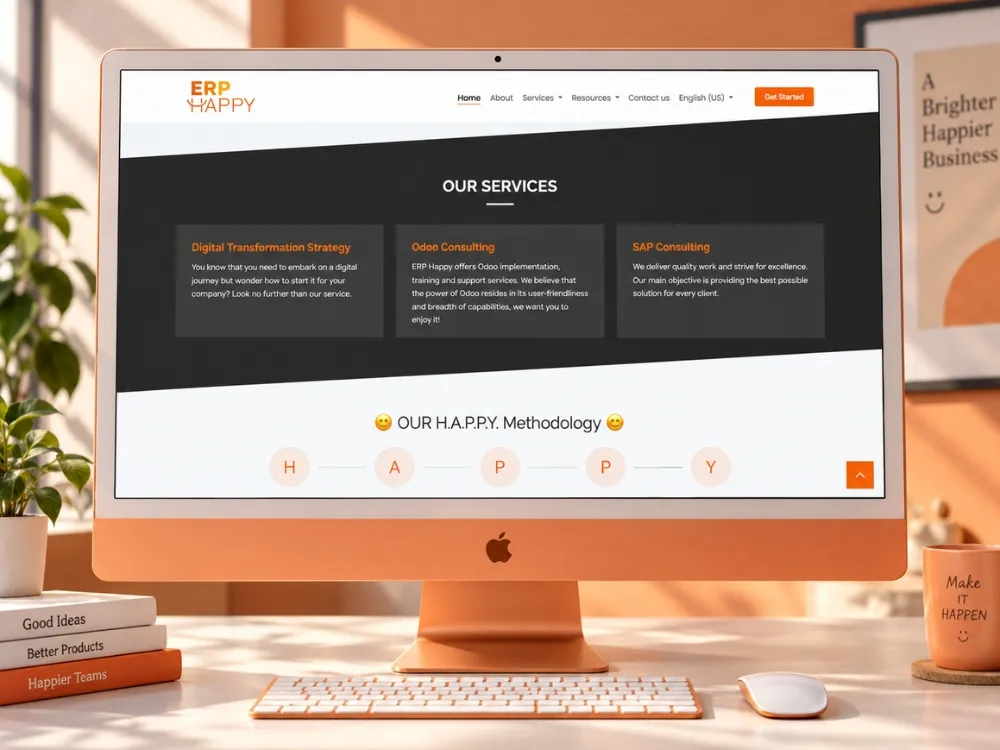
    Monday.com orders into Odoo, Calendly events, Zapier syncs for an Odoo partner's clients (ERP Happy).

  • Notifications and reminders

    Leave reminders, timesheet locking, scheme payment reminders, push and SMS on backend events.

  • Reconciliation and reporting

    Bank statements, payment gateways and stock compared and reconciled on schedule. Dashboards assembled automatically.

How we work

From Manual Process to Running Automation

  1. Map the process

    Every step, who does it, which system holds the data, where judgement is needed. Usually a whiteboard and a morning.

  2. Fix before automating

    Remove redundant steps, standardise inputs, decide the rules. The automation gets simpler with every step removed.

  3. Choose the tool

    No-code, custom, Odoo or a mix: per process, using the table above.

  4. Build and test

    With real data on staging, including the failure cases: missing data, duplicate events, the system on the other side being down.

  5. Run with monitoring

    Logs, alerts and a reconciliation check, so a silent failure can't become next month's surprise.

  6. Extend

    The next process on the list: automation programmes compound.

Evidence

Automation in Production

Certificates, recurring operations, payroll and partner workflows.

All case studies

What clients say

In Their Words

Questions

Business Automation, Answered

Bhavesh Selarka

COO & Co-Founder, Heliconia Solutions

Not answered here? Ask Bhavesh directly, the person who reviewed this page, not a sales queue. Odoo 16 Functional Certification.

Ask a question

What kinds of processes are actually worth automating?

Stable, frequent, rule-based ones where the data is accessible and the saving beats the upkeep: document generation, recurring documents, approvals under thresholds, notifications, data sync between systems, reconciliation. Not one-off work, not judgement calls, and not a process that is still changing.

Do you build automation on top of tools we already use, or only custom?

On top of what you use where it fits (Zapier, your CRM's automations, Odoo's automated actions) and custom services where volume, logic or reliability demand it. The choice is per process.

If we're already on Odoo, is automation handled there or through this service?

Inside Odoo where the process lives there: automated actions, scheduled jobs, recurring documents, custom modules. This service covers processes that span other systems or sit outside Odoo. Often it's both, and the same team does both.

Odoo customization and automation

Can you automate a process that involves a system with no API?

Usually: a database or file export, a small wrapper API, or, as a last resort, screen automation (RPA), which we use only when nothing else is possible because it's fragile.

API & integrations

How do you stop an automation from failing silently?

Logging with payloads, alerts on failure, retries for transient errors and a scheduled reconciliation that compares what should have happened with what did.

Do you maintain automations after launch?

Yes, under an ongoing engagement: systems on either side change, and the automation has to change with them.

Odoo support

Next step

Have a Process That Should Run Itself?

Describe the manual steps and the systems involved. We'll tell you whether to automate it, fix it first, or remove it, and with which tool.