
Odoo business applications

Odoo Sales and CRM, Connected From Lead to Revenue

A pipeline is only useful if the quotation, the price, the stock and the invoice behind it are real. This page shows how we connect CRM, sales, subscriptions and POS in Odoo, which parts are configuration, and what we have shipped on live revenue systems.

  • CRM
  • Quotations
  • Pricelists
  • Subscriptions
  • POS
  • Customer portal

Reviewed by Bhavesh Selarka, COO & Co-Founder, Heliconia Solutions · Odoo 16 Functional Certification · Odoo Partner · Updated

Proof

POS in production, multi-storeRecurring billing on StripePortal quotation self-serviceHeadless storefronts on OdooCommunity + Enterprise

Clients

Businesses that run on what we built

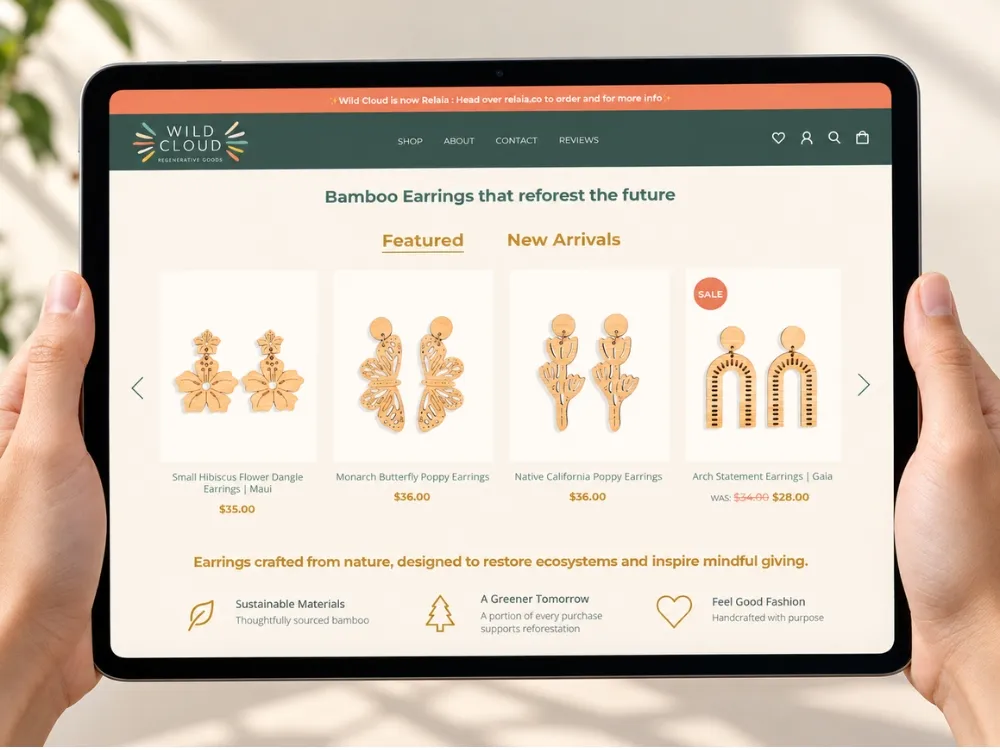
  • Wild Cloud
  • Mevalon Produkte
  • TIMmunity GmbH
  • Aria Jewellers
  • Freiburger Bund
  • Jo Ann's
  • Opsio

The short answer

What Does an Odoo CRM and Sales Implementation Cover?

It covers the whole revenue path: leads and pipeline in CRM, quotations and approvals in Sales, the pricelists and discounts behind them, recurring revenue through Subscriptions or Rental, in-store sales through POS, and the hand-offs that turn a confirmed order into a delivery and an invoice. The pipeline is the easy part. The hand-offs are where implementations succeed or fail.

Almost every sales team can run a pipeline in a spreadsheet. What they can't do is quote from live stock, apply the right customer price, get an approval on an unusual discount and have the warehouse and finance see the same order a second later. That's the reason to put sales in the ERP.

The sections below follow the money: how a lead becomes an order, how the order becomes stock movement and revenue, and which of those steps we have built as configuration versus code on real systems.

The connected workflow

How Revenue Runs Through Odoo

One path from first contact to recognised revenue. Each step names the app that carries it, or the custom work when the standard flow does not fit.

  1. Step 01

    Lead capture

    Website forms, email aliases, imports and integrations create leads with their source attached, so you can tell which channel is worth the money.

    • CRM
  2. Step 02

    Qualification and pipeline

    Stages that match how your team actually sells, with activities, expected revenue and lost reasons that are used rather than ignored.

    • CRM
  3. Step 03

    Quotation

    Products, quantities, customer pricelist, discounts and optional lines, quoted against live availability. Wild Cloud lets customers update quantities on portal quotations themselves.

    • Sales
  4. Step 04

    Pricing and approval

    Pricelists per customer, currency, quantity break or channel, with approval rules on discounts and credit limits enforced before the order confirms.

    • Sales + custom rules
  5. Step 05

    Order confirmation

    Confirmation reserves stock, creates the delivery and sets the invoicing policy, so warehouse and finance see the same commitment immediately.

    • Sales, Inventory
  6. Step 06

    Recurring and rental revenue

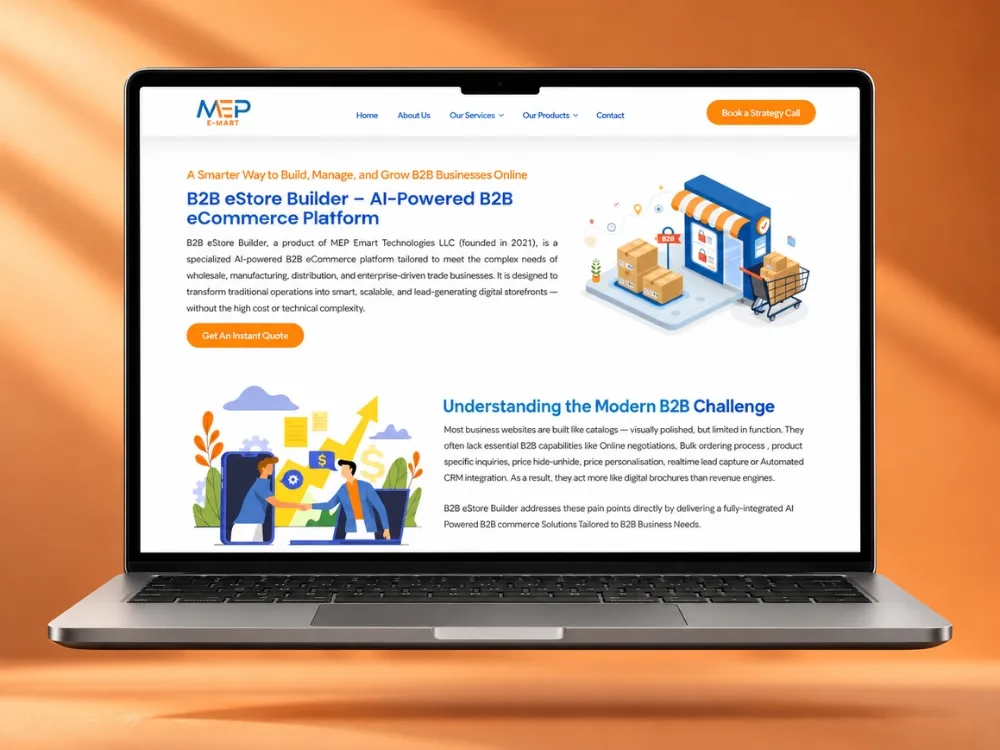
    Subscription plans, renewals, upgrades and card payments where revenue repeats. MEP Emart and WaveContact both run this on Stripe.

    • Subscriptions + custom
  7. Step 07

    In-store and counter sales

    POS sessions, cashier workflows, barcode scanning, discount validation and receipts, posting to the same stock and ledger as everything else.

    • POS
  8. Step 08

    Invoice and follow-up

    Invoice from order or delivery, payment, reconciliation and the customer portal where they can see it all without emailing your team.

    • Accounting, Portal

The hand-off at "order confirmation" is the one to design carefully: invoicing policy, stock reservation rules and what happens on partial delivery decide how much manual work your team does every week.

Grouped by job

What We Build on the Revenue Side

Each item is from a system in production, with the client named.

  • POS that cashiers can actually work

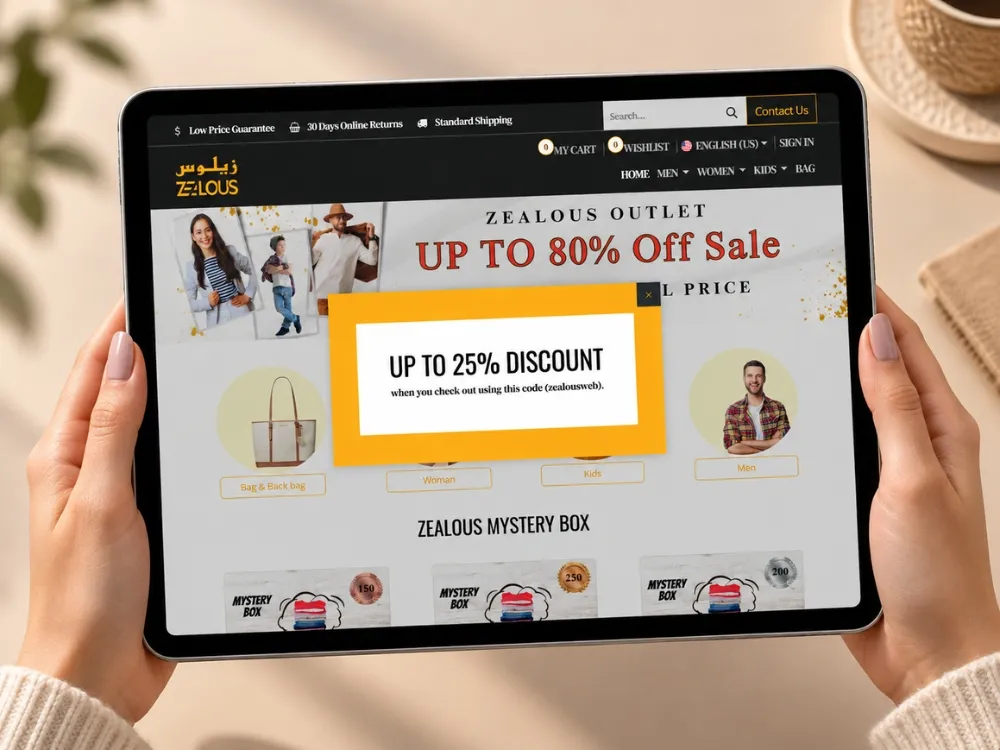
    Zealous runs POS with barcode scanning, quantity management, discount validation, ZPL price labels and a POS sales API, after migrating the whole customised system from Odoo 16 to 18.

    • Barcode
    • Discount rules
    • Daily sales API
  • Quotation self-service

    Wild Cloud customers edit quantities on portal quotations without a sales rep in the loop, with minimum cart quantities and pricelist duplication to keep B2B pricing manageable.

    • Customer portal
    • B2B pricing
    • Fewer emails
  • Recurring revenue

    MEP Emart automates recurring billing, renewals, plan upgrades and billing-interval changes on Stripe, with customer self-service and a subscription-health dashboard, on Community.

    • Stripe
    • Renewals
    • Dashboards
  • Counter estimation and payments

    Aria Jewellers gets instant counter estimations with stone-charge calculation and direct tag and receipt printing, plus Paytm EDC card and UPI payments at checkout.

    • Estimation
    • EDC terminals
    • Receipt printing
  • Customer communication in the ERP

    Zealous communicates with customers over WhatsApp from inside Odoo, so the conversation sits with the order rather than on someone’s phone.

    • WhatsApp
    • Email templates
    • Order context
  • Sales through a custom storefront

    When the storefront should not be Odoo, Odoo still runs the orders. LittleQ sells through a Next.js storefront over GraphQL with Odoo behind it for products, orders, customers and stock.

    • Headless
    • GraphQL
    • One order system

The honest three columns

Standard, Configuration or Custom Engineering?

Sales is well covered by standard Odoo. This is where the line actually falls, in the order we try things.

Standard, Configuration or Custom Engineering?
RequirementStandard OdooConfiguration or OCACustom engineering (and why)
Pipeline stages and activitiesYes, fullyStages, lost reasons, activity types, teamsAlmost never
Customer-specific pricingPricelists with rules and quantity breaksPer customer, currency, channel and dateFormula pricing with your own inputs, such as daily metal rates at Aria Jewellers
Discount and credit controlBasic limitsApproval flows, payment terms, credit limitsValidation at the point of sale, as in the POS discount rules at Zealous
Quotation self-serviceCustomer portal viewPortal access and document layoutsEditable quantities and portal rules, as built for Wild Cloud
Subscriptions and rentalEnterprise Subscriptions and Rental appsPlans, renewal reminders, payment providersOn Community, or when billing has to trigger provisioning, as at MEP Emart
Point of salePOS app, offline-capablePayment methods, receipts, product screensCashier workflow changes, label formats, commission rules and sales APIs
Selling through a custom frontendOdoo eCommerce onlyNot really a configuration questionA read and write API layer, as in the GraphQL storefront at LittleQ

If a sales requirement needs code, it is usually because pricing, approval or the till is genuinely specific to your business. Everything else is configuration, and we will say so in the scope.

Edition and OCA

Community, Enterprise or OCA for Sales and CRM?

Only the differences that affect this family.

Community, Enterprise or OCA for Sales and CRM?
CapabilityCommunityEnterpriseNotes
CRM, Sales, quotations, pricelistsYesYesCore apps in both
Point of SaleYesYesIn both, with Enterprise adding restaurant and some hardware features
SubscriptionsOCA or customYesMEP Emart built the full lifecycle on Community
RentalOCA or customYesEnterprise app, with partial OCA coverage
Sales approval and e-signatureOCAYesEnterprise Sign for signed quotations
Marketing automation and lead scoring–NoYesRelevant when the pipeline is fed by campaigns
Custom modules and APIsYesYesBoth, both upgrade-conscious

CRM and Sales rarely decide the edition on their own. Subscriptions, Rental and Sign are the three that do, and each has a Community path we have shipped.

Data and boundaries

What We Migrate, and Where the System Ends

  • Customers and contacts deduplicated, with the billing and shipping structure your invoices and deliveries need
  • Open opportunities with stage, owner and expected value, so nothing in flight is lost at cutover
  • Open quotations and orders as documents, not as notes
  • Pricelists, discount agreements and payment terms per customer, confirmed with sales before load
  • Product catalog shared with the supply-chain side: one product record, whatever the channel
  • Integration boundary named: the gateway, the till hardware, the storefront, the messaging channel

How we run it

The Implementation Sequence

  1. Workflow discovery

    We follow a real deal from enquiry to payment with the people who sell, quote and invoice, and note every approval, spreadsheet and copy-paste step on the way.

  2. Design decisions

    Pipeline stages, pricing model, approval rules, invoicing policy, POS behaviour and what the customer portal exposes. Written down with the reasoning.

  3. Configuration and build

    Standard CRM, Sales and POS configured first, then OCA, then custom modules for pricing, approvals or till workflows that are genuinely yours.

  4. Data load

    Customers, pricelists and open documents loaded and checked by the sales team against their own records.

  5. Adoption, not training

    Reps rehearse their own deals in the system, cashiers run their own tills, and we fix what slows them down before go-live rather than after.

  6. Go-live and pipeline governance

    Cutover with a rollback path, then a check after the first full sales cycle: is the pipeline current, are stages used honestly, are the reports trusted.

Evidence

Revenue Systems We Run in Production

Only projects where the sales workflow described above is actually in place.

Revenue Systems We Run in Production
ProjectIndustryOdooKey capabilitiesTechnology
ZealousFashion retail & eCommerceOdoo 18 EnterpriseZealous Custom Module · Payment (Credit Card) Module · Cash on Delivery (COD) Payment Module · Website Phone ValidationOdoo 18 Enterprise · Python · PostgreSQL · OWL
Wild CloudeCommerce, manufacturing & wholesaleOdoo 17 EnterpriseWild Cloud Base · Access Zero Quantity Product in Shop · App Lock · E-Commerce Minimum Cart QuantityOdoo 17 · Python · PostgreSQL · OWL · QWeb
MEP EmartSaaS: AI solutions & digital transformationOdoo 14 CommunityStripe · Odoo Website & customer portal · Email (SMTP)Odoo 14 Community · Python · PostgreSQL
Aria JewellersJewellery retail & manufacturingOdoo EnterpriseJewellery Management Base · Jewellery Account · Jewellery Account Payment Mode · Jewellery AppOdoo Enterprise · Python · PostgreSQL · GraphQL (Graphene) · OWL / QWeb
LittleQeCommerce, baby careOdooHeadless Odoo API · Product Catalog Management · Product Discount Engine · Distributor Registration PortalOdoo · Next.js · PayloadCMS · React · Node.js

Read the projects

Three Revenue Models, Three Systems

Retail POS across a migrated and heavily customised ERP, B2B quotation self-service, and a SaaS subscription lifecycle on Stripe.

All case studies

Workflow review

Request a Sales Workflow Review

Send us how you sell: channels, pricing rules, approvals, whether revenue recurs and whether you sell over a counter. You get the path mapped to Odoo apps, the decisions that matter, and what we would configure versus build. No obligation.

  • Your lead-to-revenue path mapped to Odoo apps
  • Pricing and approval model for your customers and channels
  • POS, subscription or portal recommendation where relevant
  • Configuration versus custom, itemised, with the edition that follows
  • Customer and open-document migration plan

Request the review

What clients say

In Their Words

Questions

Odoo Sales and CRM Questions, Answered Directly

Bhavesh Selarka

COO & Co-Founder, Heliconia Solutions

Not answered here? Ask Bhavesh directly, the person who reviewed this page, not a sales queue. Odoo 16 Functional Certification.

Ask a question

Is Odoo CRM good enough to replace a dedicated CRM?

For most businesses that sell products or project work, yes, and it wins on something a standalone CRM cannot do: quoting against live stock, prices and credit limits, then handing the order straight to the warehouse and the ledger.

If your sales motion depends on heavy marketing automation or call-centre features, compare carefully. That is the case where a specialist tool integrated with Odoo can beat consolidating.

Integration options

Can Odoo handle customer-specific pricing and discount approvals?

Yes. Pricelists cover per-customer, per-currency, per-quantity and time-limited pricing as configuration. Approval rules on discounts and credit limits are configuration plus, often, a small custom rule where the check has to happen at the till or in the portal.

Zealous validates discounts inside POS, and Wild Cloud duplicates pricelists to keep a large B2B catalog manageable.

Does Odoo POS work for a multi-store retailer?

Yes, and it posts to the same stock and accounting as the rest of the business, which is the point. In production we have run POS with barcode scanning, cashier quantity and discount controls, price-label printing and a daily sales API, through an Odoo 16 to 18 migration that kept the customisations.

Where a jurisdiction requires a fiscal device, that is an integration: we did it for a Curaçao blackbox on a four-entity retail group.

Read the retail migration

How do subscriptions and recurring billing work in Odoo?

Enterprise has a Subscriptions app covering plans, renewals and invoicing. On Community, or when the billing has to drive something else (provisioning, access, expiry), we build the lifecycle.

MEP Emart runs online recurring plans on Stripe and offline annual plans, with automated activation, expiry, reminders, plan upgrades and self-service, entirely on Community 14.

Read the subscription project

Can customers see and act on their own quotations and orders?

Yes, through the customer portal, and how far you take it is a design choice. Standard portal access shows quotations, orders and invoices. Wild Cloud went further: customers update quantities on portal quotations themselves, without a sales rep in the loop.

Hi-Tech Alloys uses the same idea for order tracking and inspection certificates.

What if we want our own storefront instead of Odoo’s website?

Then Odoo stays the order and customer system and the storefront calls it over an API. LittleQ sells through a Next.js storefront on GraphQL with Odoo running products, discounts, checkout, orders and shipping behind it.

That is a real architecture decision with trade-offs, so it has its own page.

Headless Odoo architecture

Can customer conversations live on the record instead of on a salesperson’s phone?

Yes, and it's worth insisting on. When the channel customers actually answer is WhatsApp, the reply should land on the partner or the open opportunity, where the next person to open it can see it. Zealous run customer communication that way inside their Odoo system.

The alternative is a pipeline that looks accurate in Odoo while the real conversation sits in an app nobody else can read.

WhatsApp and Odoo

How do we stop the pipeline from going stale after go-live?

Design the stages around how your team already sells, keep the required fields to the ones that are genuinely used, and make the reports the team gets measured on come out of the system. We check this after the first full sales cycle, not at go-live, because that is when the honest answer shows up.

The rest of the chain

This Department Does Not Run Alone

Odoo earns its place at the hand-offs between departments, not inside any one of them. These are the families this one exchanges data with every day.

Next step

Make the Pipeline Worth Trusting

Tell us how you sell today: channels, pricing rules, approvals, whether revenue recurs, whether you sell over a counter. We will map it to Odoo and tell you which parts are configuration and which are engineering.